The biggest verified time savings come from conversational hiring agents: Workday says its own recruiting team saved 12,000 recruiter hours annually with the Paradox Candidate Experience Agent, far more than any drafting or chat assistant.

How we compared
Four axes decided this list, and each one had to be checkable from a public page rather than a sales deck.
- Hours-saved evidence — a named customer, a named process, and a published figure attached to both.
- Published pricing — a rate card you can read without booking a call.
- Integrations — whether the tool connects to the HCM, ATS or collaboration suite your team already runs.
- Security and compliance posture — what the vendor documents about data handling and automated employment decisions.
Three things we could not verify, and you should assume the same when you evaluate: vendor-reported ROI figures (they come from the vendor’s own customer stories, not independent audits), enterprise list prices (most are quoted per deal), and per-seat or per-record limits that sit behind a sales gate.
Pricing below is converted into comparable units where the vendor publishes enough to do the math. A monthly plan tier tells you very little; cost per video minute, per seat or per hire tells you where the ordering flips.
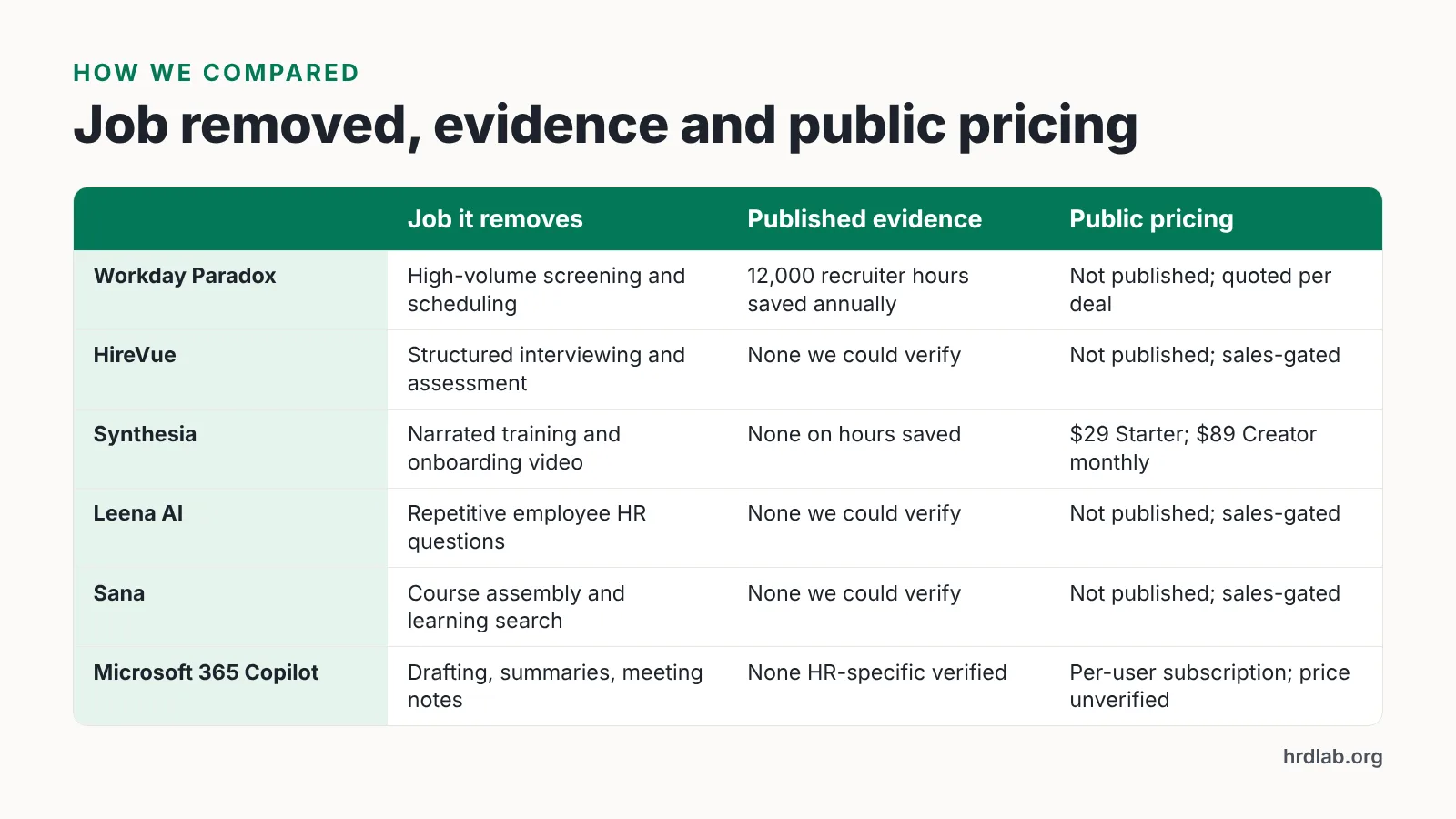
| Tool | HR job it removes | Published outcome evidence | Pricing you can read publicly | Skip it if |
|---|---|---|---|---|
| Workday Paradox | High-volume screening and interview scheduling | Workday reports 12,000 recruiter hours saved annually | Not published; quoted per deal | You hire a handful of salaried specialists a quarter |
| HireVue | Structured interviewing and assessment | None we could verify independently | Not published; sales-gated | Your jurisdiction restricts automated employment decision tools |
| Synthesia | Narrated training and onboarding video | None on hours saved | $29 Starter / 10 min; $89 Creator / 30 min per month, per G2 | Your course library runs long-form |
| Leena AI | Repetitive employee HR questions | None we could verify | Not published; sales-gated | Your ticket volume is low |
| Sana | Course assembly and learning search | None we could verify | Not published; sales-gated | Compliance tracking is your main LMS job |
| Microsoft 365 Copilot | Drafting, summarizing, meeting notes | None HR-specific that we could verify | Per-user subscription; list price not verified here | Your HR stack is not on Microsoft 365 |
1. Workday Paradox (Candidate Experience Agent)
This is the only tool on the list with hours-saved numbers published against named employers, and the numbers are large.
Workday’s own recruiting team saved 12,000 recruiter hours annually and cut interview scheduling time by 92%, with time-to-interview down 60%, after deploying the Paradox Candidate Experience Agent. ISS North America cut frontline time-to-hire from 65 days to under 10 days and saved more than 10,000 recruiter hours using Workday Paradox conversational AI, according to Workday’s customer story.
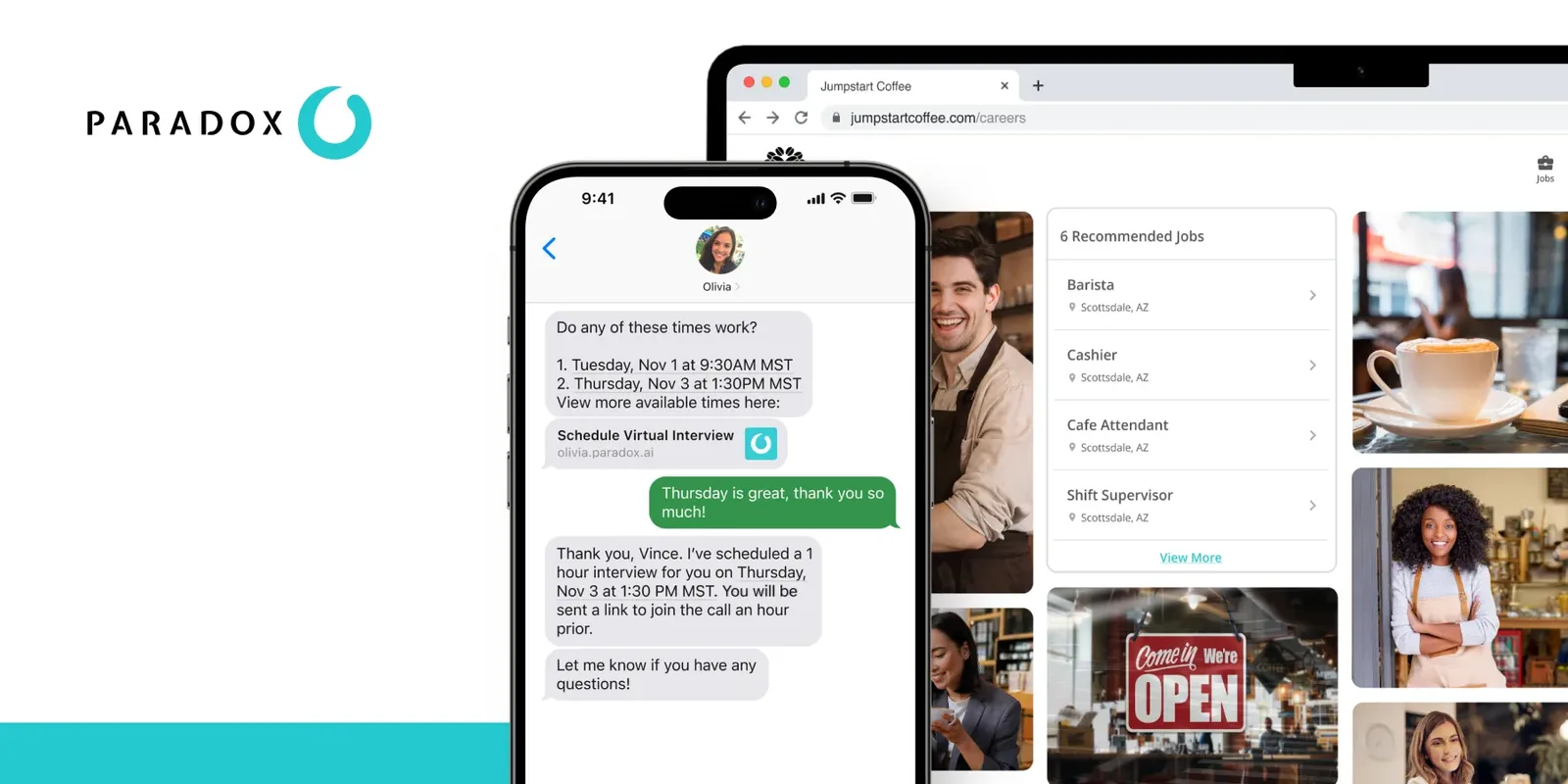
The mechanism is unglamorous: the agent answers candidate questions, screens against your knockout criteria and books interviews into open calendar slots. At ISS North America the AI agent drove a 97% application completion rate, and 35% of candidate conversations happened outside business hours — work a human recruiter would otherwise have to cover.
Across its customer base, Paradox reports aggregate results of 35,000 hours saved annually with conversational scheduling, a 75% decrease in time to hire and $2 million saved through automated interview scheduling. A frontline-hiring customer cited on Workday’s site recorded a 98% decrease in cost-per-hire and an 80% reduction in time to hire with the AI-powered Conversational ATS.
Who it fits: retail, logistics, healthcare and hospitality teams filling hourly roles at volume, already on or moving to Workday.
Don’t pick it if: you hire a handful of salaried specialists a quarter. The agent’s savings scale with application volume, and the pricing is quoted per deal rather than published, so a small pipeline rarely clears the cost.
2. HireVue
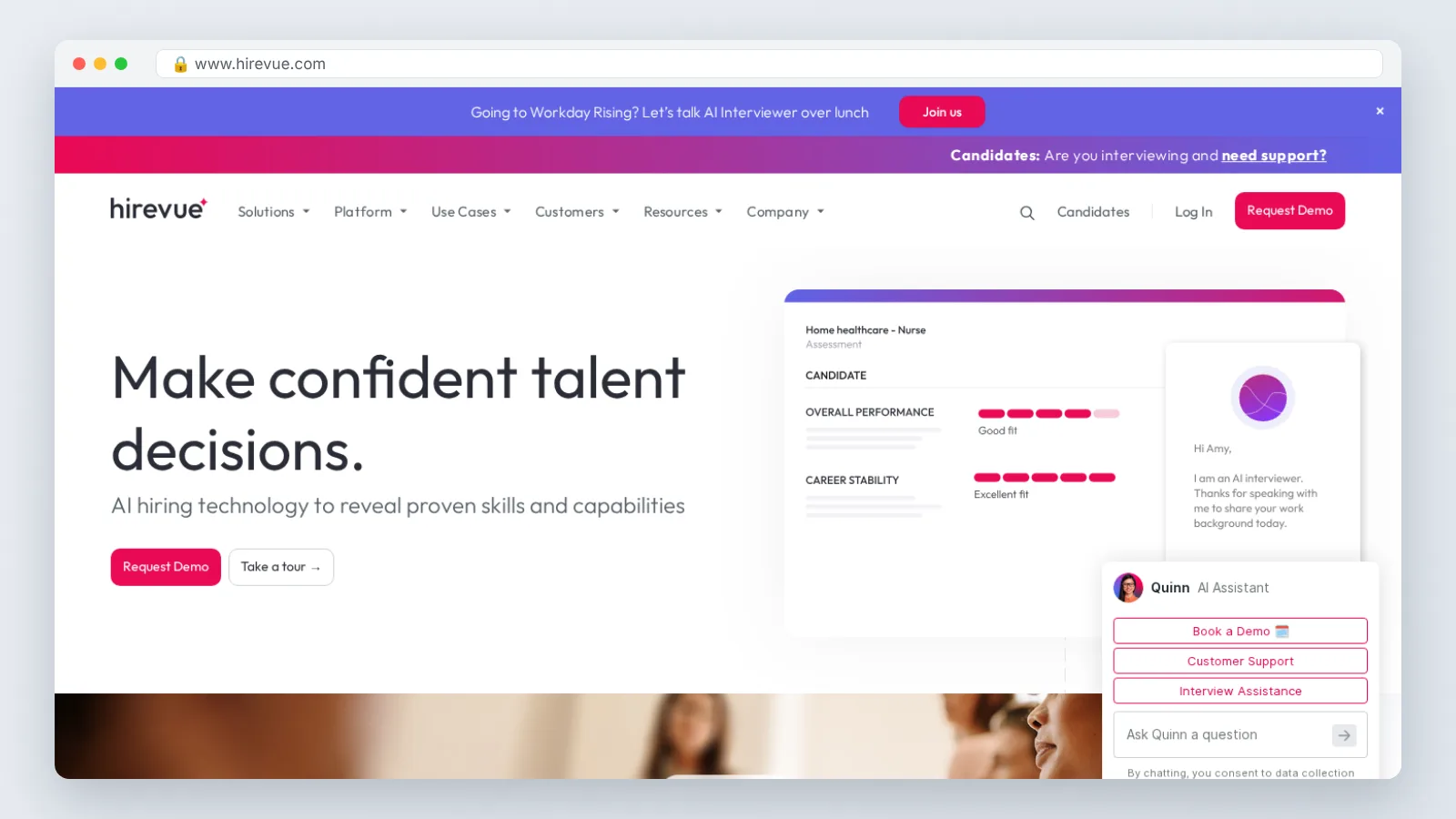
HireVue sits in the interviewing layer, where the time sink is coordination and inconsistent evaluation rather than sourcing.
Treat its value as structural, not statistical. We found no independently verified hours-saved figure for HireVue, and its pricing is not published, so any business case you build has to come from your own baseline: count the hours your hiring managers currently spend on first-round screens, then pilot against that number for one requisition family.
There is a compliance dimension you cannot skip. In the United States, a growing number of jurisdictions regulate automated employment decision tools, and the obligations differ from place to place — some rules cover only public employers, others reach private employers, and notice and audit duties vary. Ask the vendor what it documents about model validation, candidate notice and accommodation requests, then have counsel confirm what applies where you hire. This is general information, not legal advice.
Who it fits: teams that already run structured interviews and want scoring consistency across many interviewers.
Don’t pick it if: your legal team has not signed off on automated screening, or your hiring volume is low enough that a shared scorecard template solves the same problem.
3. Synthesia
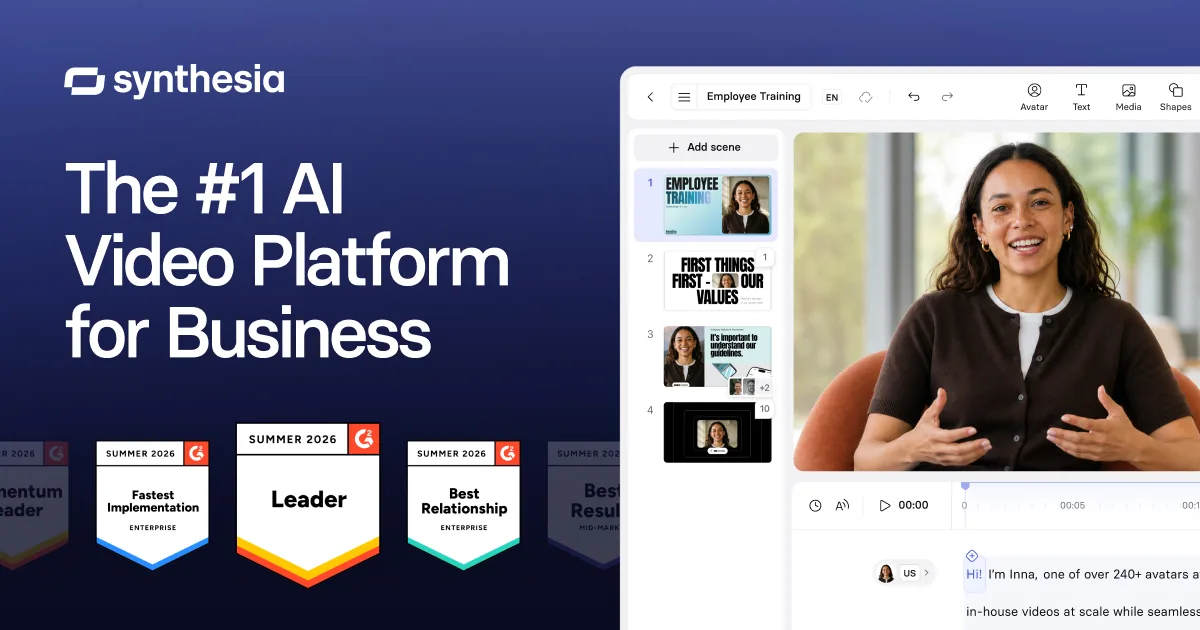
Synthesia turns a script into a narrated avatar video, which matters for onboarding and compliance modules that would otherwise need a camera, a studio and a willing subject-matter expert.
Price it per usable minute, not per plan. Synthesia’s AI training-video plans are capped by monthly video minutes: the free tier and the $29 Starter tier both allow 10 video minutes per month, while the $89 Creator tier allows 30 minutes, according to G2’s pricing listing. Divide the plan price by the minutes you will realistically publish each month before you compare it with anything else — on those published caps, moving up a tier mainly buys more capacity rather than a cheaper minute.
Minute caps are the thing that bites L&D teams. A single onboarding path can run past 30 minutes once you add role-specific modules, and re-recording a corrected script consumes the same budget twice.
One alternative worth pricing side by side — it is not a separate entry on this list — is AI Studios from DeepBrain AI, which combines avatar video, text-to-video, dubbing and text-to-speech in one workspace; its Personal plan is listed at $24 per month billed annually and includes unlimited AI videos up to 30 minutes each, 1080p export, 3 custom avatars and 120 minutes of AI dubbing per month. For multilingual rollouts, AI Studios lists text-to-speech voiceovers in 150+ languages and accents on paid plans and 30+ languages on the Free plan. The limitation is real: the Free plan allows only 3 AI videos of up to 1 minute each at 720p with 16 one-time generative credits, so you cannot pilot a full onboarding path for free.
Who it fits: L&D teams producing short, frequently updated policy and process videos.
Don’t pick it if: your training depends on showing real equipment, real hands and real sites — film that, and use avatars only for the narration around it.
4. Leena AI
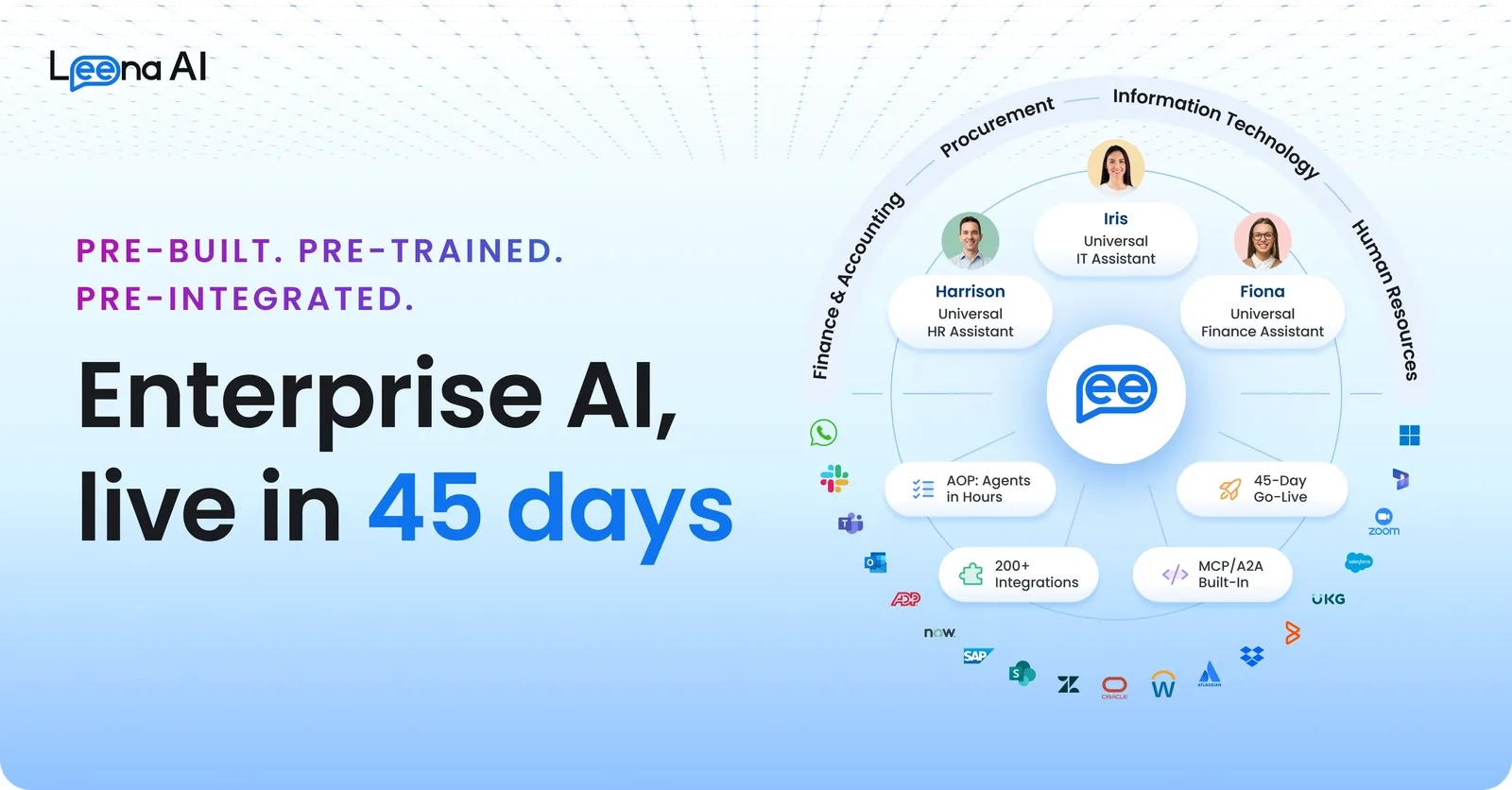
Leena AI targets the HR service desk: the same questions about leave balances, payroll dates, policy documents and benefits enrollment that arrive every week.
The savings here are deflection savings, and they only exist if you have volume. Before a pilot, export three months of HR inbox and ticket data and sort it by question type. If a quarter of your tickets are five repeated questions, an answer agent has something to work on; if your tickets are mostly one-off employee relations cases, it does not.
We could not verify a published hours-saved figure for Leena AI, and its pricing is not public, so insist on a scoped trial measured against your own ticket baseline rather than a case study from another industry.
Data access is the hard part. An HR answer agent is only as accurate as the policy source it reads, which means your handbook, leave rules and regional variations need to be current before go-live — otherwise the agent confidently repeats a 2023 policy.
Who it fits: HR shared-service teams supporting several thousand employees with a repetitive question mix.
Don’t pick it if: your policy documentation is scattered or out of date. Fix the source content first; an agent on top of stale policy creates more escalations than it removes.
5. Sana
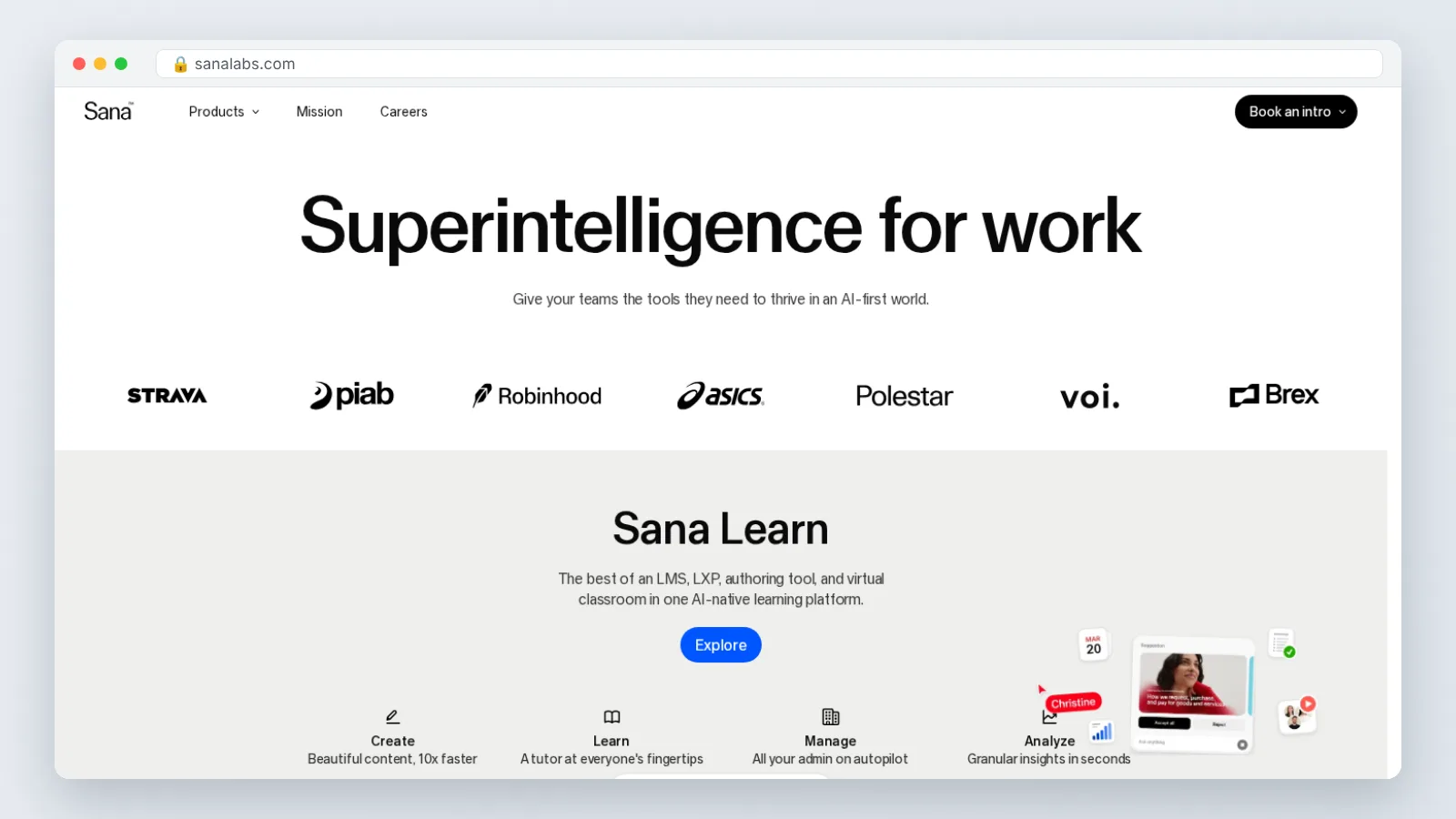
Sana belongs in the learning layer, where the time cost is assembling courses and helping employees find the one answer they need inside a large content library.
The honest position: we found no independently verified hours-saved data for Sana, and its pricing is quoted rather than published. Judge it on fit instead. Ask how it handles your existing SCORM content, whether search covers the systems where your knowledge actually lives, and who owns the course once AI drafts it.
Run the evaluation with one real course. Take a module your team already rebuilt twice this year, rebuild it in the tool, and time both the first draft and the review cycle — review time is usually where L&D projects die, not drafting.
Who it fits: L&D teams with a large, frequently updated internal knowledge base and authors who want drafting help rather than a template library.
Don’t pick it if: your primary job is regulatory completion tracking. A compliance-first LMS with audit-ready reporting will serve you better than an authoring-first platform, and swapping systems for drafting speed is a poor trade.
6. Microsoft 365 Copilot for HR teams
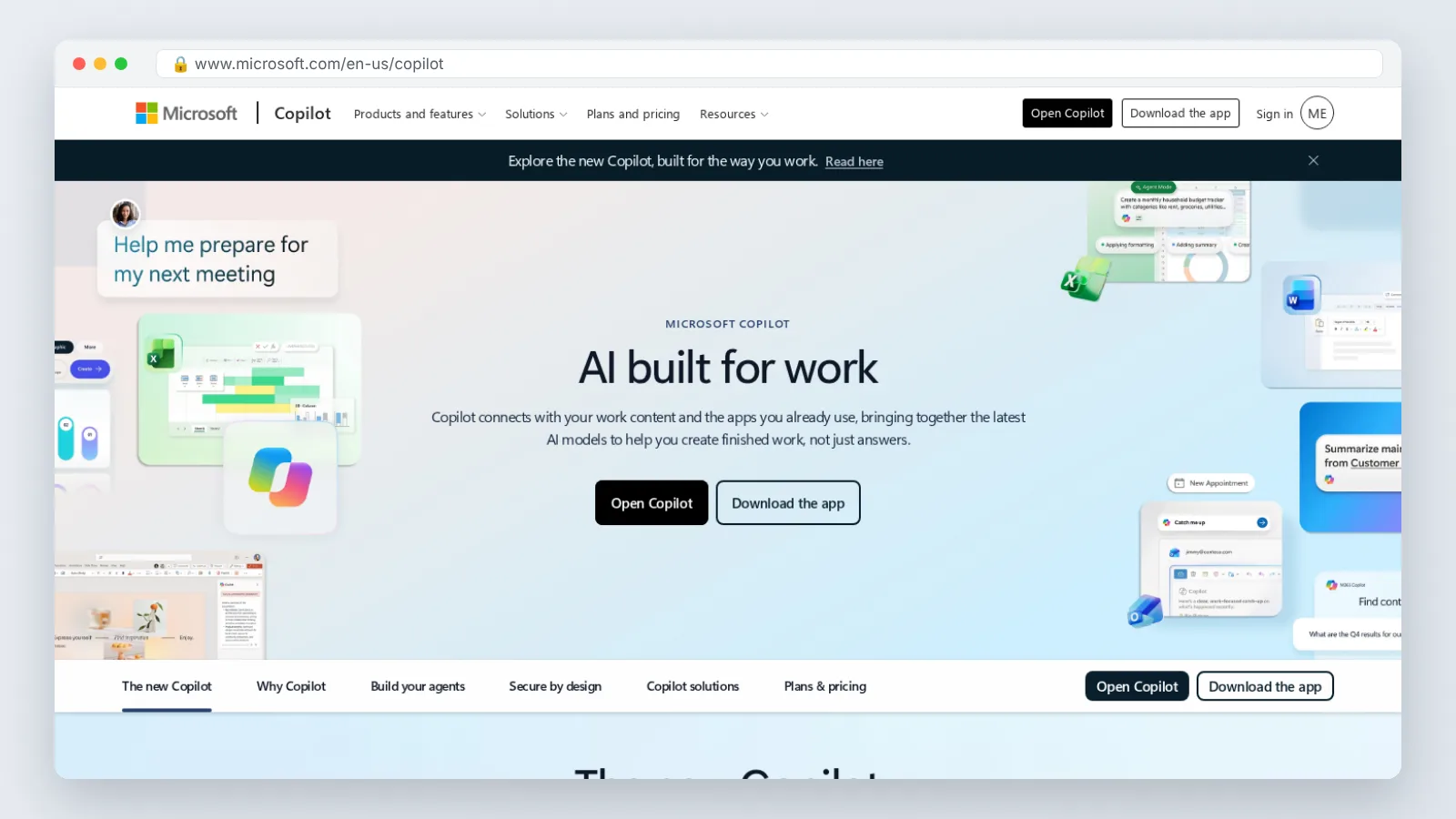
Copilot saves the smallest increments and reaches the most people, which is a different kind of win from a hiring agent.
The work it absorbs is familiar: drafting a job description from a role brief, summarizing a long investigation meeting, turning a benefits change into a plain-language announcement, pulling themes out of an engagement survey comment file. None of that shows up as a headline number, and we did not find HR-specific hours data for Copilot that we could verify.
Adoption is the advantage. If your HR team already works in Outlook, Teams, Word and Excel, there is no new login, no new vendor security review and no separate content migration.
Set guardrails before rollout. Decide which HR files Copilot may index, keep employee relations case notes and compensation files out of scope unless permissions are tight, and tell managers that a Copilot meeting summary is a draft record, not an official one.
Who it fits: generalist HR teams of two to twenty people who write a lot and have no dedicated HR tech budget.
Don’t pick it if: you need a measurable reduction in time-to-hire this quarter. Copilot shaves minutes off writing tasks; it does not schedule your interviews or screen your applicants.
Which one fits you
Match the tool to the process that is actually costing you hours, not to the category that sounds most advanced.
| Your situation | Start with | Why |
|---|---|---|
| Hundreds of hourly applicants per month | Workday Paradox | Workday reports its own team saved 12,000 recruiter hours annually |
| Inconsistent interview scoring across managers | HireVue | Structure first; confirm automated-decision rules in your jurisdiction |
| Onboarding videos rewritten every quarter | Synthesia | Compare cost per usable video minute, not plan names |
| Onboarding in many languages | Synthesia or an avatar-video alternative such as AI Studios | Vendor-published language counts vary; AI Studios lists 150+ languages and accents for text-to-speech on paid plans |
| Same five HR questions every week | Leena AI | Deflection only pays back at real ticket volume |
| Large internal knowledge base, slow course builds | Sana | Authoring and search, not compliance tracking |
| Small HR team already on Microsoft 365 | Microsoft 365 Copilot | No new vendor, no migration, immediate drafting help |
Workday says early deployments of its Paradox Conversational ATS cut average time-to-hire to 3.5 days, lifted application completion rates to 72% and recorded 95% candidate satisfaction — and Workday’s group general manager for the office of the CHRO states the Conversational ATS can streamline up to 90% of hiring tasks.
Start with one process, measure the baseline for four weeks, then automate. A retail customer quoted on Paradox’s product page says average time to hire fell from over 10 days to under five days, an immediate decrease of more than 50%, and the same customer reports the AI hiring agent gave store leaders back over 40,000 hours a week previously spent on manual hiring tasks. Those are vendor-published figures, so treat them as a ceiling, not a forecast.
Frequently asked questions
Which AI tool saves HR teams the most hours?
Conversational hiring agents lead on published evidence. Workday reports its own recruiting team saved 12,000 recruiter hours annually and cut interview scheduling time by 92% with the Paradox Candidate Experience Agent, savings no drafting assistant has matched publicly.
Are vendor hours-saved numbers trustworthy?
Treat them as a best case. Every figure in this guide comes from vendor-published customer stories or product pages rather than independent audits, so they reflect well-run deployments at high volume. Build your own baseline over four weeks before committing.
How should I compare AI video tools for training?
Convert to cost per usable video minute. G2 lists Synthesia’s $29 Starter tier at 10 video minutes per month and the $89 Creator tier at 30 minutes, so divide each plan price by the minutes you will actually publish, then compare that figure across vendors instead of comparing plan names.
Do I need legal review before using AI in hiring?
Yes. In the United States, a growing number of jurisdictions regulate automated employment decision tools, and the duties differ from place to place — some rules cover only public employers, others private ones, with varying notice and audit requirements. Have counsel confirm what applies where you hire. This is general information, not legal advice.
Can a small HR team get value from AI without a big budget?
Yes. Start inside tools you already pay for, such as Microsoft 365 Copilot for drafting and summarizing, and test video on a free tier before you commit — G2 lists Synthesia’s free tier at 10 video minutes per month, enough to build one short module and judge the output quality.
Sources
- How Workday Saves 12,000 Hours With Paradox Candidate Experience Agent — Workday customer story
- Accelerating frontline time-to-hire with Workday Paradox — Workday customer story
- Candidate Experience Agent — Paradox product page
- Workday launches Paradox ATS for faster frontline hiring — ERP Today
- Synthesia Pricing — G2
AI tools helped write this guide. The HRD Lab Editorial Team published it after checking every figure against the sources linked above.