Automate the repeatable lanes: forms, e-signatures, deadline reminders, account provisioning, access templates and course enrolment. Keep humans on judgment and connection — manager 1:1s, buddy pairing, expectation setting, compliance exceptions and early feedback conversations.
Onboarding automation in plain terms: what it actually replaces (and what it quietly breaks)
Automation in onboarding is event-driven task routing, nothing more mystical. An offer gets countersigned, so the background check launches. A start date arrives, so the laptop ships, the payroll record opens and the required safety course lands in a queue.
What it replaces is coordination labor — chasing signatures, re-keying the same address into four systems, remembering that night-shift hires need a different module. Those tasks are rule-based, repeatable and audited. They are the strongest candidates you have.
What it breaks is harder to see on a dashboard. Only 12% of employees strongly agree that their organization does a great job of onboarding new employees, according to Gallup, and a faster form pipeline does not move that number by itself. A new hire who receives every week-one touchpoint from a no-reply address learns quickly that the company talks at them rather than to them.
Hold one distinction through the steps below: automation is good at delivery and poor at judgment. A workflow can deliver a policy, book a meeting or nudge a manager who has gone quiet. It cannot read hesitation in a first 1:1, settle a visa edge case, or notice that a team reorganized between the offer and the start date.
Step 1 — Map your onboarding into three lanes: compliance, logistics and relationship
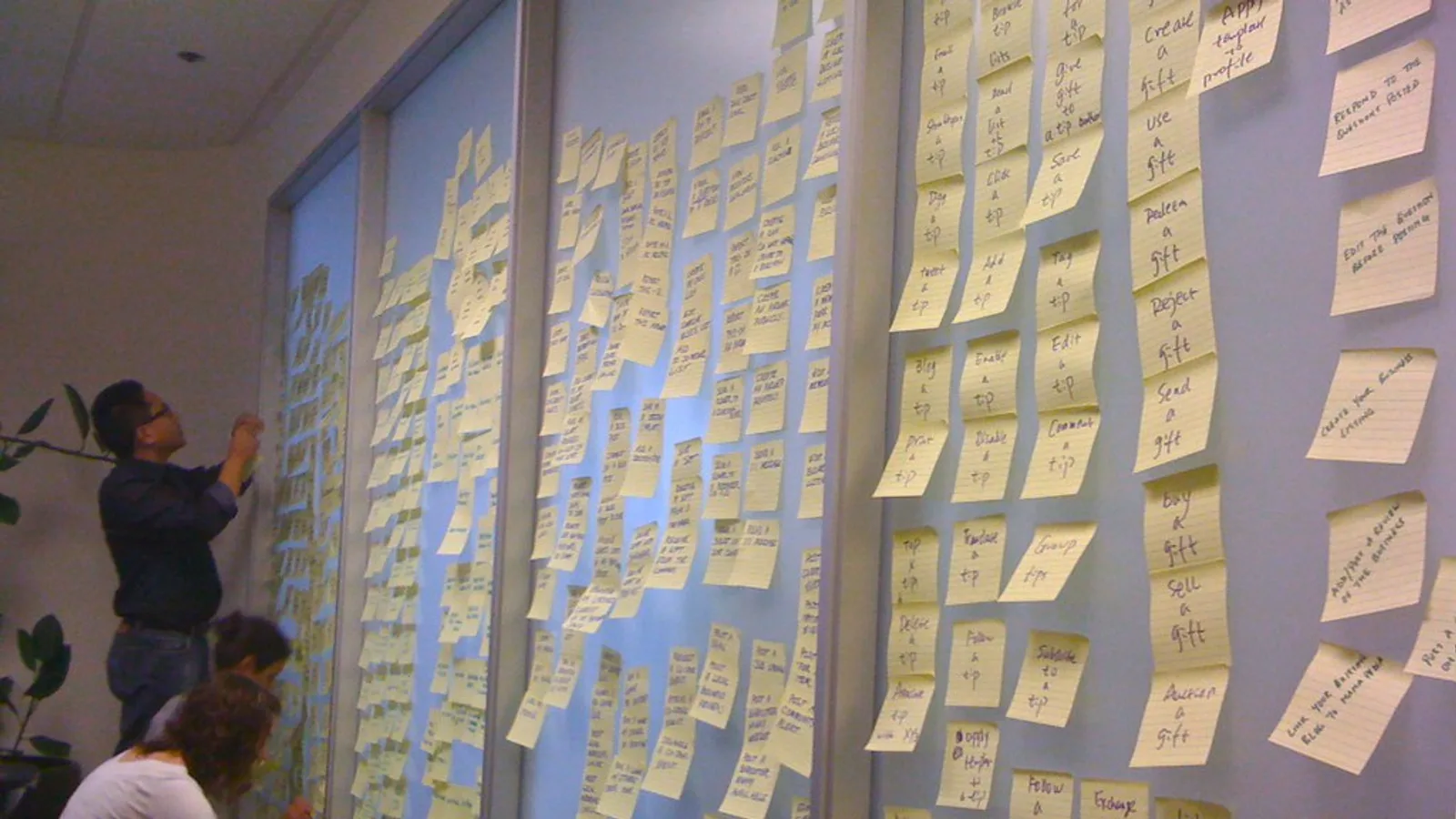
What you need: your current onboarding checklist, an HRIS or payroll admin, a hiring manager who onboarded someone this quarter, and a two-hour block. Use a wall of cards or a shared doc — the argument matters more than the artifact.
Sort every task into exactly three lanes:
- Compliance — I-9 verification, tax forms, mandatory policy acknowledgments, regulated training with deadlines and evidence requirements.
- Logistics — accounts, hardware, building access, permission sets, course enrolment, calendar invites.
- Relationship — manager 1:1s, buddy pairing, team introductions, role expectations, early feedback, the honest "is this what you expected?" conversation.
Fight about the edge cases out loud, because that is where the design decisions live. A welcome message is logistics when it is a shipping notification and relationship when a human wrote it. First-week training is logistics at the enrolment stage and relationship when a manager explains why the work matters.
Mark each task with an owner and a failure cost. A late laptop costs a day of productivity. A missed compliance deadline costs a penalty and an audit finding. A skipped first 1:1 costs trust that takes months to rebuild, and no workflow will tell you it happened.
Step 2 — Automate the paperwork lane first, around the legal deadlines
Time and inputs: one to two sprints, with HRIS admin, payroll and a legal reviewer in the room. Start here: the rules are explicit, the evidence trail is required anyway, and nobody enjoys doing this manually.
Build each workflow backwards from the statutory deadline rather than from your team’s convenience. Employers enrolled in E-Verify must create a case no later than the third business day after the employee starts work for pay, according to the E-Verify Quick Reference Guide for Employers. Your automation should open that task the moment Form I-9 Section 2 is complete, not when a coordinator next opens the shared queue.
Mandates differ by jurisdiction. Some US states require E-Verify use for public employers or state contractors while others leave it voluntary, and federal contractor clauses add their own conditions. Encode jurisdiction by work location in the workflow instead of running one global template and hoping.
Safe to automate in this lane: form dispatch, reminder cadences, acknowledgment capture with timestamps, document expiry tracking, retention clocks and audit exports. Keep human: the document inspection decision, anything flagged as a mismatch, and any case where the hire’s work authorization paperwork does not match the record.

Step 3 — Automate provisioning, access and training enrolment with trigger-based workflows
What you need: role-based access templates, an HRIS acting as the single system of record, an LMS that accepts API or SSO-driven enrolment, and an IT owner who can approve the templates.
Provisioning repays automation fastest because the inputs are already structured: role, department, location, employment type, start date. Pick one anchor trigger — start date minus five business days — and hang hardware, accounts, licenses and course enrolment off it. Role templates beat per-hire ticket requests, since a template can be reviewed once by security and reused a hundred times.
Gartner reports that the HR generative-AI use cases leaders prioritize most are employee-facing chatbots at 43% and HR operations work such as administrative tasks, policies and document generation at 42%. That ranking matches where the risk is lowest: answering "where do I submit expenses?" and drafting standard documents.
Training content scales the same way. Instead of a manager repeating the same systems walkthrough every month, record it once; a platform like AI Studios can turn a script or an uploaded deck into an avatar-narrated video, and its pricing page lists text-to-speech voiceovers in 150+ languages and accents on paid plans, which helps when hires start across several countries.
Leave access approvals for privileged systems — finance, production data, customer PII — as a human decision with a named approver.
Step 4 — Ring-fence the human lane: manager 1:1s, buddy intros, culture and early feedback
What you need: manager calendars blocked before the start date, a buddy roster, and roughly 30 minutes of manager prep per hire.
Automation may schedule these moments, prompt them and track whether they happened. It must never deliver them. A chatbot explaining your escalation culture is a worse experience than a manager spending ten minutes on the same topic, and new hires can tell the difference instantly.
Protect four touchpoints as human by default: the day-one manager conversation about what good looks like in the first month, the buddy introduction with a real reason to talk again, the expectations check around the four-week mark, and the first honest feedback exchange in both directions. Aim to hold the day-one conversation before any system training begins.
Use automation as a prep engine rather than a replacement. Send managers a short brief three days out with the hire’s background, their first project and three questions worth asking. Track completion as a manager metric, not as an HR admin metric, because the person who owns the relationship should own the number.
Step 5 — Build human review gates and an escalation path into every automated workflow
What you need: an exception queue, a named owner per workflow, an internal response target and a documented kill switch. Budget half a day to design this and a pilot on one requisition to test it.
Silent systems fail silently, and they keep their own clocks. E-Verify automatically closes any case left in draft status that has not been updated within 180 federal government working days, according to the E-Verify User Manual. A workflow that stalls will not email you an apology.
Design three gates into every automated sequence:
- Entry gate — a human confirms the trigger data is real before anything fires, especially start date changes and role changes.
- Exception gate — anything the rules cannot resolve drops into a monitored queue with an owner’s name on it, never into a status field nobody reads.
- Exit gate — before day one ends, a person confirms the hire actually has hardware, access and a calendar, rather than trusting the completion flags.
Run the whole thing in dry-run mode on a single hire first. Watch what fires, what double-fires and what never fires at all.
Checklist: safe to automate vs. keep human (copy-paste for your next hire)
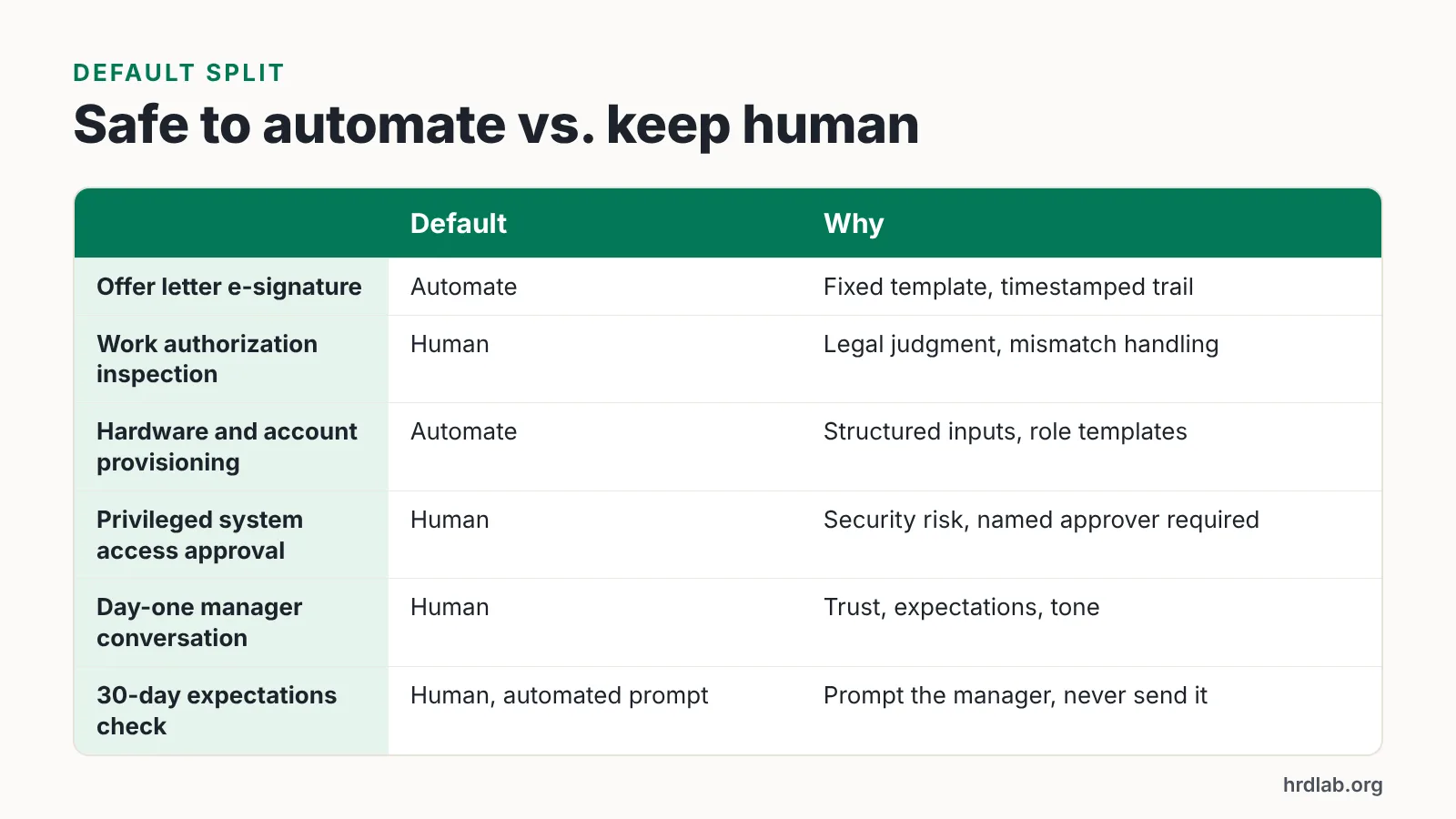
Use this split as your default position, then override it only where your risk profile demands something stricter. The pattern underneath is simple: if a task has one correct output given known inputs, automate it; if the output depends on reading a person or a situation, keep a human in the chair.
One caution before you copy it. A task being automatable does not mean it should be invisible — someone still signs off that it happened, and that someone has a name, not a role inbox. Review the split every two quarters, because org changes break role templates faster than anything else.
| Task | Default | Why |
|---|---|---|
| Offer letter dispatch and e-signature | Automate | Fixed template, timestamped trail |
| Tax and payroll form collection | Automate | Rule-based, deadline-driven |
| Document expiry and retention tracking | Automate | Calendar math, no judgment |
| Work authorization document inspection | Human | Legal judgment, mismatch handling |
| Hardware and account provisioning | Automate | Structured inputs, role templates |
| Privileged system access approval | Human | Security risk, named approver required |
| Compliance course enrolment and reminders | Automate | Deadline tracking at scale |
| Role-specific skills coaching | Human | Depends on the individual’s gaps |
| Welcome logistics email | Automate | Information delivery only |
| Buddy pairing and introduction | Human | Requires fit and context |
| Day-one manager conversation | Human | Trust, expectations, tone |
| 30-day expectations check | Human, automated prompt | Prompt the manager, never send it for them |
| Pulse survey distribution | Automate | Consistent timing and sampling |
| Acting on a negative pulse response | Human | Escalation, not a form reply |
Common onboarding automation mistakes and how to avoid them
The most expensive failure is the ghost hire. The HRIS holds an old start date, the sequence fires on schedule, accounts go live two weeks before the person arrives, and the delayed hire gets a welcome email for a job they have not started. Avoid it by making start date changes a trigger in their own right, one that recalls or reschedules every dependent task and pings the workflow owner.
The second mistake is automating the warmth. A generated "we’re so excited you’re here" note sent at 06:00 from a no-reply address reads as exactly what it is. Send fewer messages, and make the ones from humans unmistakably human.
The third is piloting faster than you can govern. A Gartner survey found that 38% of HR leaders were piloting, planning implementation of, or had already implemented generative AI, up from 19% in June 2023 — growth that outpaces most teams’ review processes. Decide who approves a new automated touchpoint before you build the next one.
The fourth is measuring completion instead of experience. A 100% task-completion dashboard tells you forms were submitted, not whether the new hire knows what to do on Monday. Pair your workflow metrics with a short, human-read question at the end of week one and act on the answers within days.
This article is general information about onboarding practice and referenced compliance rules, not legal advice; confirm your obligations with qualified counsel for your jurisdiction.
Frequently asked questions
Which onboarding tasks should never be automated?
Keep four categories human: work authorization document inspection and any mismatch handling, privileged system access approvals, the day-one manager conversation about expectations, and any response to negative early feedback. These depend on judgment, legal interpretation or trust, and a templated reply makes each of them worse.
How soon do automated compliance workflows need to fire for US hires?
Build the trigger from the deadline itself. Employers enrolled in E-Verify must create a case no later than the third business day after the employee starts work for pay, according to the E-Verify Quick Reference Guide for Employers, so your workflow should open that task as soon as Form I-9 Section 2 is complete.
Does onboarding automation actually improve the new hire experience?
Only when it frees manager time for conversations. Gallup reports that just 12% of employees strongly agree their organization does a great job of onboarding new employees, and faster paperwork alone does not change that — the gain comes from removing admin so managers can spend week one with the person.
What should we automate first if we only have one quarter?
Automate the paperwork lane, then provisioning. Forms, e-signature, reminders and document expiry tracking have explicit rules and an audit trail you need anyway, and role-based provisioning templates reuse the same structured inputs — role, location, employment type and start date — across every hire.
How do we stop automated workflows from stalling unnoticed?
Give each workflow a named owner, an exception queue and an internal response target, and check stalled items weekly. Systems keep their own clocks: E-Verify automatically closes any case left in draft status not updated within 180 federal government working days, according to the E-Verify User Manual.
Sources
AI tools helped write this guide. The HRD Lab Editorial Team published it after checking every figure against the sources linked above.