Pre-board access and compliance before day one, give the hire a written 30-day plan with weekly outcomes, assign a buddy with a fixed meeting cadence, train async-first then practice live, and review time-to-productivity at day 30.
Why remote onboarding stalls: the day-30 productivity problem
Day 30 is the first honest checkpoint. It is the point where you can see whether a remote hire ships real work without someone sitting beside them, and in a distributed team nobody is sitting beside them. Gallup reports that only 12% of employees strongly agree that their organization does a great job of onboarding new hires.
Remote starters report the sharpest drop. Enboarder survey data reported by Archie found that 42% of fully remote and 39% of hybrid starters describe their onboarding as truly terrible.
The stall is rarely about motivation. It is about three mechanical failures that compound over the first four weeks:
- Access lag. The laptop ships late, SSO is half-provisioned, and the hire spends week one filing tickets instead of learning the work.
- No visible target. Nobody wrote down what "productive" looks like, so the hire optimizes for looking busy on Slack.
- No unplanned contact. In an office, confusion gets resolved by turning around. Remotely, a small misunderstanding survives for two weeks.
Fix those three and day 30 stops being a guess. The five steps below are sequenced deliberately: compliance and access first, then the plan, then the human scaffolding, then training, then measurement.
Step 1 — Pre-board: close compliance, kit and system access before day one
Time required: roughly two hours of coordinator work, started 10 business days before the start date. You need: signed offer, payroll and tax setup, hardware order, an account-provisioning list by role.
Pre-boarding exists so that day one is about people, not passwords. Build a single provisioning list per role — email, SSO, HRIS, chat, ticketing, code repo, CRM, password manager, VPN — and have IT confirm each item as done, not "requested."
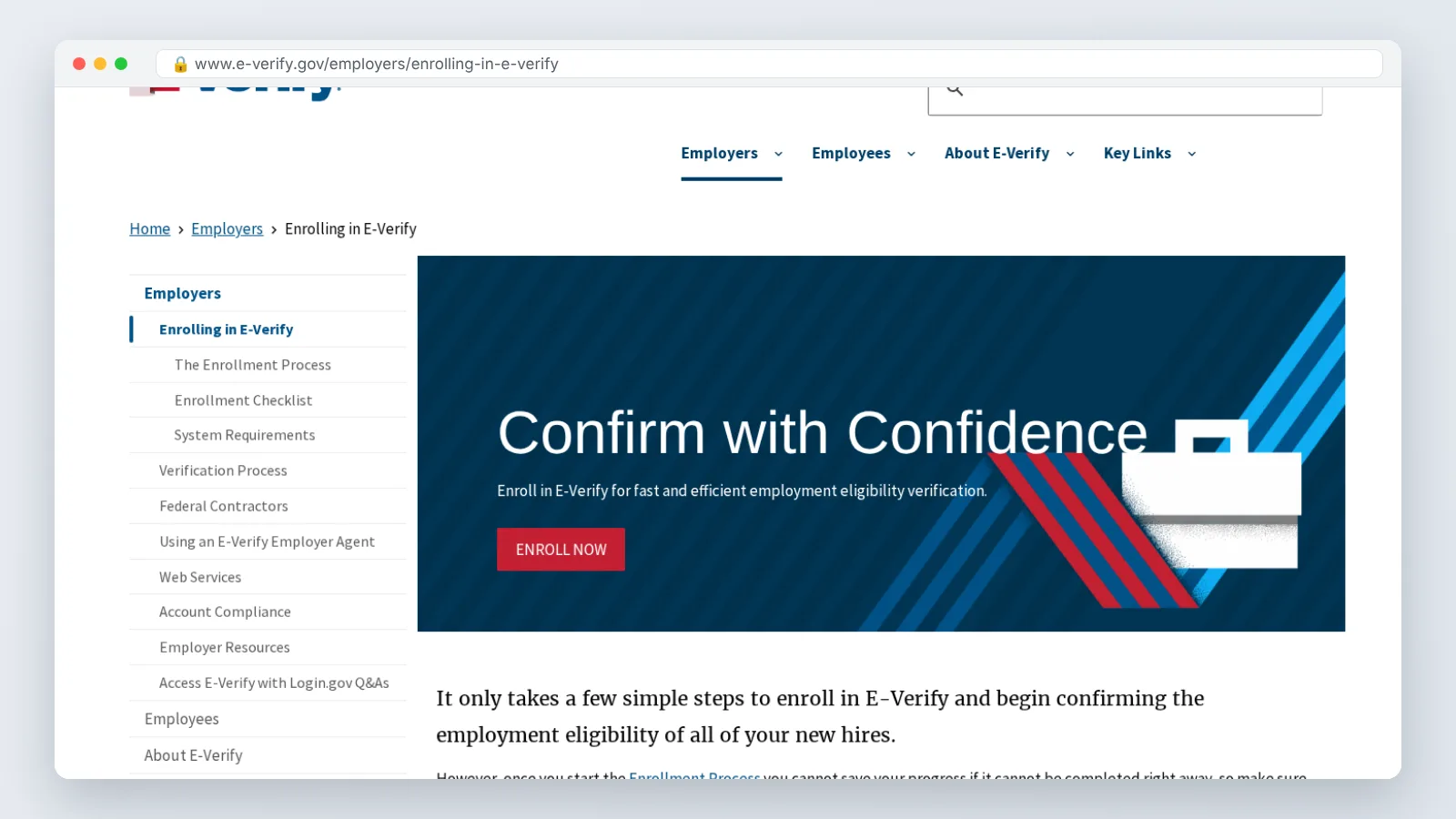
Compliance is the part that cannot slip. The Federal Register states that US regulations require employers to examine a new hire’s Form I-9 documentation within three business days after the first day of employment. Sequoia reports that since August 1, 2023, US employers enrolled in E-Verify and in good standing may examine Form I-9 documents over a live video call instead of in person.
If your hire sits outside the United States, none of that applies — right-to-work checks, probation rules and payroll registration follow the local jurisdiction, and an employer of record usually owns them. Confirm which entity is the legal employer before you schedule anything.
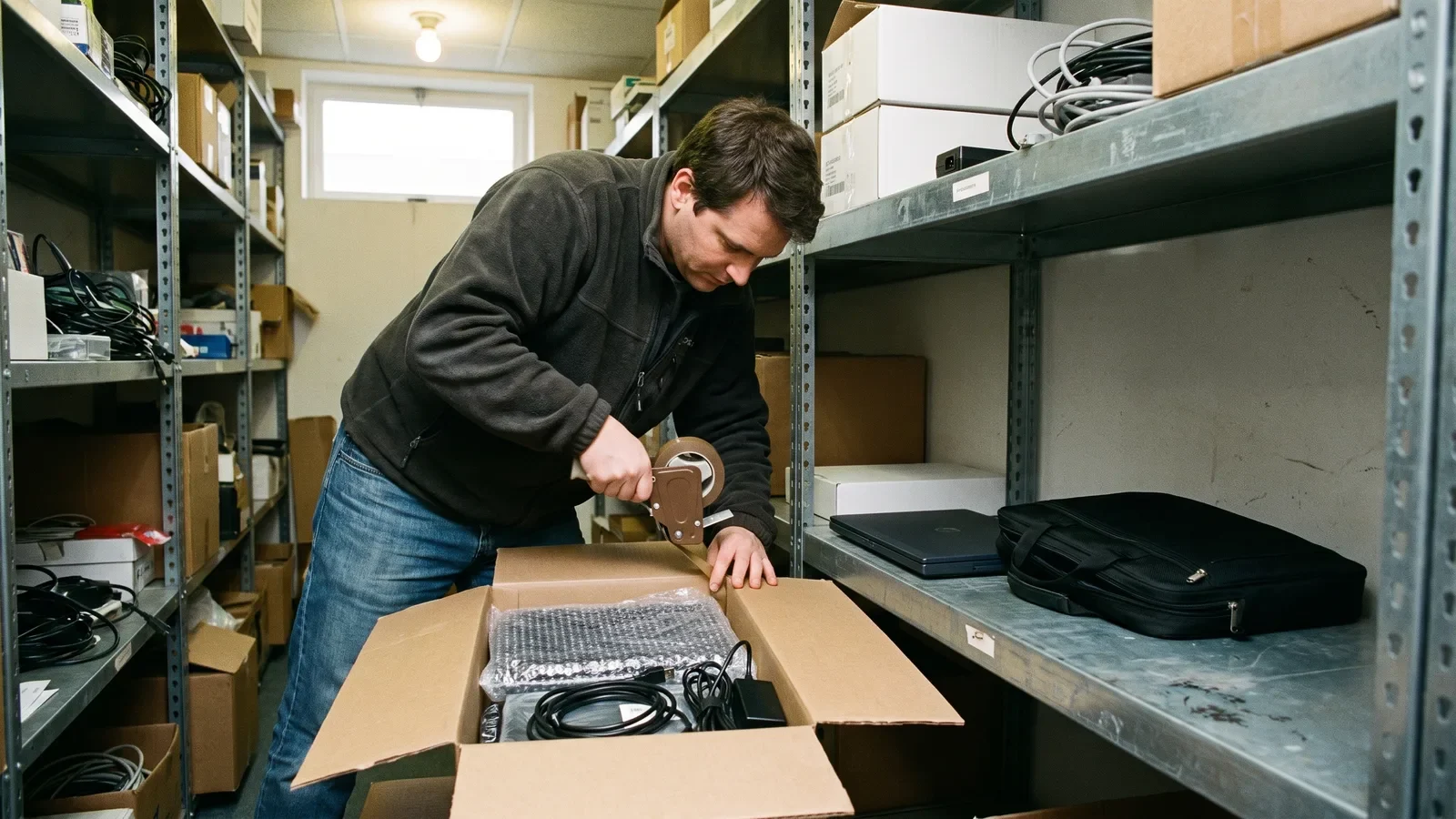
Ship the laptop with delivery tracking, and send a short start-day note the Friday before: first meeting link, who they will meet, what not to worry about. This is general information, not legal advice; check your own counsel for I-9 and cross-border employment questions.
Step 2 — Write a 30-day plan with week-by-week outcomes the hire can see
Time required: 60–90 minutes from the hiring manager, before the offer is signed. You need: the job scorecard, a list of recurring deliverables, and names of the people who own each system the hire will touch.
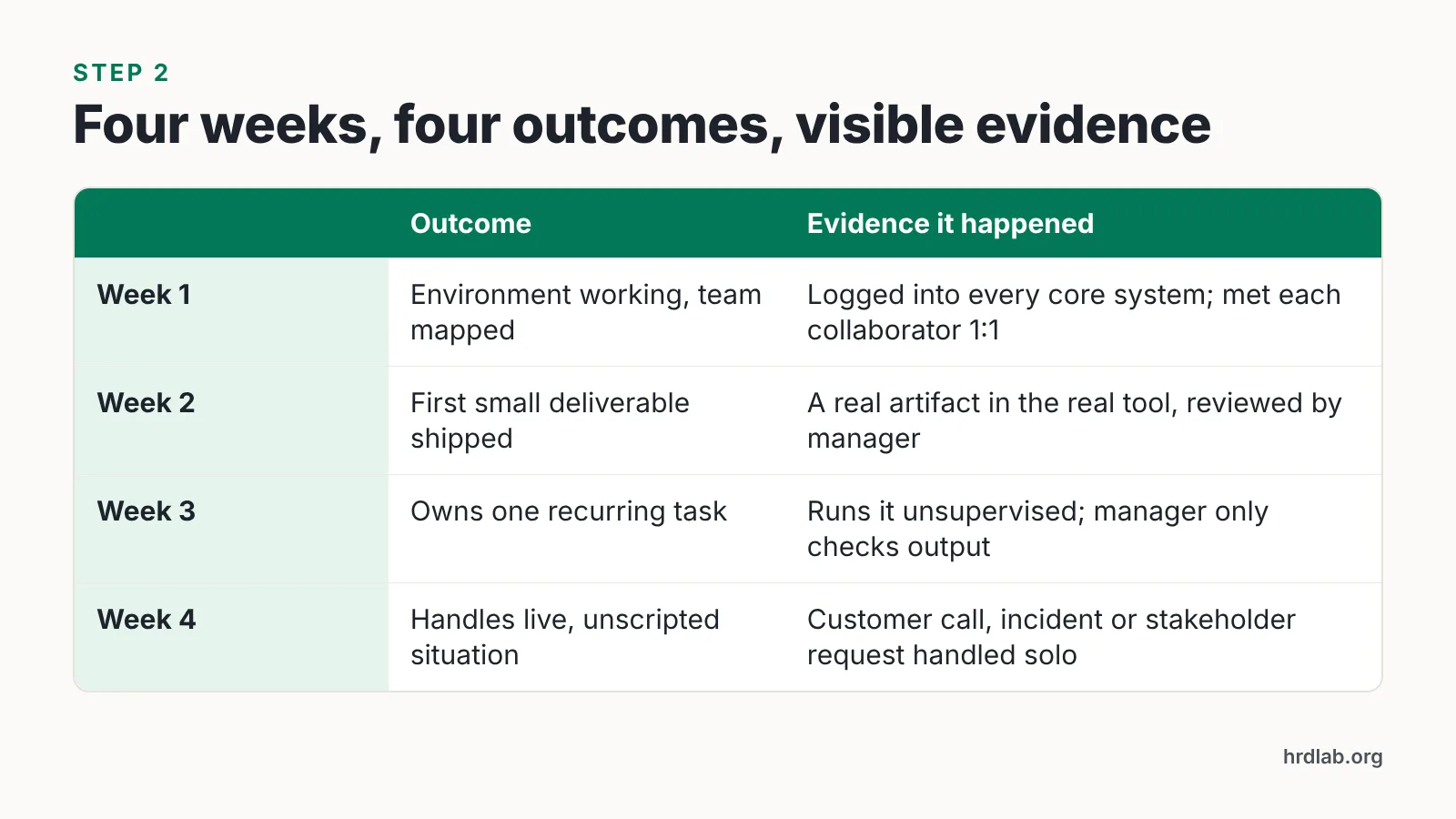
A remote hire cannot read the room, so the room has to be written down. Give them one document with four weekly outcomes and, next to each, the evidence that proves the outcome happened.
| Week | Outcome | Evidence it happened |
|---|---|---|
| 1 | Environment working, team mapped | Logged into every core system; met each direct collaborator 1:1 |
| 2 | First small deliverable shipped with review | A real artifact in the real tool, reviewed by the manager |
| 3 | Owns one recurring task end to end | Runs it unsupervised; manager only checks output |
| 4 | Handles a live, unscripted situation | Customer call, incident, or stakeholder request handled solo |
Keep week one deliberately light on output and heavy on orientation. Week two should contain something real and small — a bug fix, a one-page analysis, a drafted customer reply — because shipping early is what turns abstract training into memory.
Share the plan with the buddy and the team, not just the hire. When three people can see the same target, correction happens in days rather than at the end of probation.
Step 3 — Assign an onboarding buddy and schedule the human contact
Time required: about 3 hours of buddy time in week one, tapering to 1 hour a week by week four. You need: a volunteer peer who is not the manager, ideally one level adjacent and in a compatible time zone.
The buddy answers the questions people are embarrassed to ask a manager: what this acronym means, who actually approves spend, whether the Monday call is optional. Microsoft’s internal research found that 56 percent of new hires who met their onboarding buddy at least once in their first 90 days said the buddy helped them become productive quickly.
Schedule the contact rather than offering it. "Ping me anytime" is the most common and least effective instruction in remote onboarding, because new hires will not interrupt a stranger.
A cadence that holds up:
- Manager: 15 minutes daily for the first five days, then twice weekly for weeks 2–4.
- Buddy: 30 minutes twice a week for four weeks, with a standing agenda of "what confused you since we last spoke."
- Cross-team 1:1s: five 20-minute introductions in week one, booked by the coordinator, not the hire.
- Skip-level: one 30-minute conversation around day 20, before the day-30 review.
Brief the buddy on what they are not responsible for — performance feedback, approvals, pay questions — so the role stays sustainable for the volunteer.
Step 4 — Train async-first, then practice live inside the real workflow
Time required: two to four hours per week of structured learning for the hire. You need: recorded walkthroughs, a sandbox or test account, and a live practice slot with a reviewer.
Remote training fails when it is all live calls or all documents. Deel reports that 63% of remote workers say they feel undertrained by the onboarding process and 60% say they felt disoriented after their most recent remote onboarding.
Split the material by type. Anything stable — product basics, policy, tool tours, security rules — becomes a short recorded module the hire watches on their own clock. Anything judgment-based — pricing exceptions, escalation calls, code review norms — gets practiced live with a reviewer watching.
For the recorded half, screen recordings by the team work fine and cost nothing but time. If your policy and product content changes often enough that re-recording becomes the bottleneck, an avatar video tool can carry the update load; AI Studios by DeepBrain AI creates videos from a script, a topic prompt, a web URL, uploaded documents or a product page, and its Docs to Video feature accepts .ppt, .pptx, .pdf, .doc, .docx, .xlsx and .txt files up to 20 MB. Deel’s June 2024 YouGov-commissioned survey found that 38% of HR decision-makers said they already use AI in their practices and workflows.
Know the limits before you standardize on it. On AI Studios, "unlimited AI video generation" means no cap on the number of videos while length, dubbing minutes and generative credits stay capped by plan, and for a messy edge case — a real customer escalation, a half-broken deploy — a live screen share with a senior teammate teaches more than any polished module.

Step 5 — Measure time-to-productivity and course-correct at day 30
Time required: 45 minutes for the day-30 review, plus 15 minutes of data pull. You need: the week-by-week plan from Step 2 and one role-specific output metric.
Define time-to-productivity before the hire starts, in terms a stranger could verify. For a support agent it might be the first ten tickets closed without escalation; for an engineer, the first change merged without rework; for a salesperson, the first discovery call run solo.
At day 30, run a structured review with four questions:
- Which week-two through week-four outcomes were hit, and which slipped?
- What did the hire wait on, and who owned that dependency?
- Which training module did they re-watch or ignore, and why?
- What would they change about their first 30 days?
Treat slipped outcomes as a process defect first. Gallup finds that 70% of employees who had exceptional onboarding experiences say they have the best possible job, and they are 2.6 times as likely to be extremely satisfied with their workplace.
Feed every answer back into the next hire’s plan within a week, while the detail is still sharp. Onboarding improves through small corrections repeated across cohorts, not through an annual redesign.
The 30-day remote onboarding checklist (day 1, week 1, day 30)
Day 1
- Laptop delivered and powering on; SSO tested by IT the day before.
- Welcome call with the manager in the first hour, camera on, no agenda beyond introductions.
- 30-day plan document shared and walked through line by line.
- Buddy introduction call booked and confirmed in the calendar.
- I-9 or local right-to-work process started; for US hires the document examination deadline is three business days after the first day of employment, per the Federal Register.
- Day ends before 3 p.m. local time. No all-day video marathon.
Week 1
- Every core system accessed at least once by the hire themselves.
- Five cross-team 1:1s completed, booked by the coordinator.
- Two recorded training modules watched, with questions logged in a shared thread.
- One tiny real task completed and reviewed, even if it takes 20 minutes.
- Manager check-in daily, 15 minutes, same slot each day.
Day 30
- Week-by-week outcomes reviewed against the evidence column.
- Role-specific time-to-productivity metric recorded.
- Buddy relationship either extended to 90 days or formally closed.
- Hire writes three fixes for the next person’s onboarding.
- Manager confirms the next 60-day objectives in writing.
Common remote onboarding mistakes — and the fixes
The failure that costs most: treating week one as paperwork week. A hire who spends five days in HR portals and access tickets forms their entire impression of the job before doing any of it. Enboarder’s 2024 survey found that after a bad onboarding experience 1 in 3 new hires immediately start job-hunting and 25% actually leave. The fix is Step 1: finish provisioning and compliance setup before the start date so week one contains a real, small deliverable.
Four more patterns worth checking against your own process:
| Mistake | What it looks like | Fix |
|---|---|---|
| Calendar flooding | Eight hours of video calls on day two | Cap live sessions at three hours a day; move stable content to recordings |
| "Ping me anytime" | Buddy assigned but never scheduled | Fixed buddy slots twice a week for four weeks |
| One-size training | Same deck for engineers and sales | Role-specific modules plus live practice in the actual tool |
| Silent manager | First real feedback at the 90-day review | Daily 15-minute check-ins in week one, documented day-30 review |
One more trap: assuming the hire will tell you something is wrong. They will not, at least not in month one. Build the question into the cadence — "what confused you since we last spoke" — and you will hear about the broken permission or the unwritten rule while it still costs an hour to fix.
Frequently asked questions
How long should remote onboarding last?
Run a structured 30-day program with weekly outcomes, then a lighter 60-day ramp with clear objectives. Keep the buddy relationship available through day 90 — Microsoft’s internal research found 56 percent of new hires who met their buddy at least once in their first 90 days said it helped them become productive quickly.
Can we verify Form I-9 documents remotely for a new US hire?
Sequoia reports that since August 1, 2023, US employers enrolled in E-Verify and in good standing may examine Form I-9 documents over a live video call instead of in person. The Federal Register states examination must happen within three business days after the first day of employment. This is general information, not legal advice.
What should an onboarding buddy actually do?
The buddy answers low-stakes questions a new hire avoids asking their manager: acronyms, unwritten norms, who approves what. Budget about three hours of buddy time in week one, tapering to one hour weekly by week four, and keep performance feedback, approvals and pay questions with the manager instead.
How do you measure time-to-productivity for a remote hire?
Pick one verifiable role output before the start date — first ten support tickets closed without escalation, first code change merged without rework, first discovery call run solo — then record the date it happens and compare it against the week-by-week plan at the day-30 review.
Is video training worth it for small onboarding cohorts?
For two or three hires a year, screen recordings made by your own team are usually enough. Tools like AI Studios help when policy or product content changes often; its Docs to Video feature accepts .ppt, .pptx, .pdf, .doc, .docx, .xlsx and .txt files up to 20 MB, though video length and dubbing minutes stay capped by plan.
Sources
- The Employee Journey: A Hands-On Guide — Gallup
- 8 Practical Tips for Leaders for a Better Onboarding Process — Gallup
- Every new employee needs an onboarding buddy — Microsoft Tech Community (Viva Insights Blog)
- Optional Alternative 1 to the Physical Document Examination Associated With Employment Eligibility Verification (Form I-9) — Federal Register
- [Updated]: New I-9 Form and "Alternative Procedure" for Remotely Verifying I-9 Documentation — Sequoia
- 20 Key Employee Onboarding Statistics to Know in 2025 — Deel
- 30+ Employee Onboarding Statistics & Best Practices (reporting Enboarder survey data)
AI tools helped write this guide. The HRD Lab Editorial Team published it after checking every figure against the sources linked above.